Introduce your choice
Name the film and its genre. Explain when you watched it or how many times you have seen it.
“I’ve seen… twice. I watched it again last month.”
Practice Lab · Unit 4 · Live speaking
One film you love. One powerful image.
At least one minute to make us want to watch it.
Your challenge
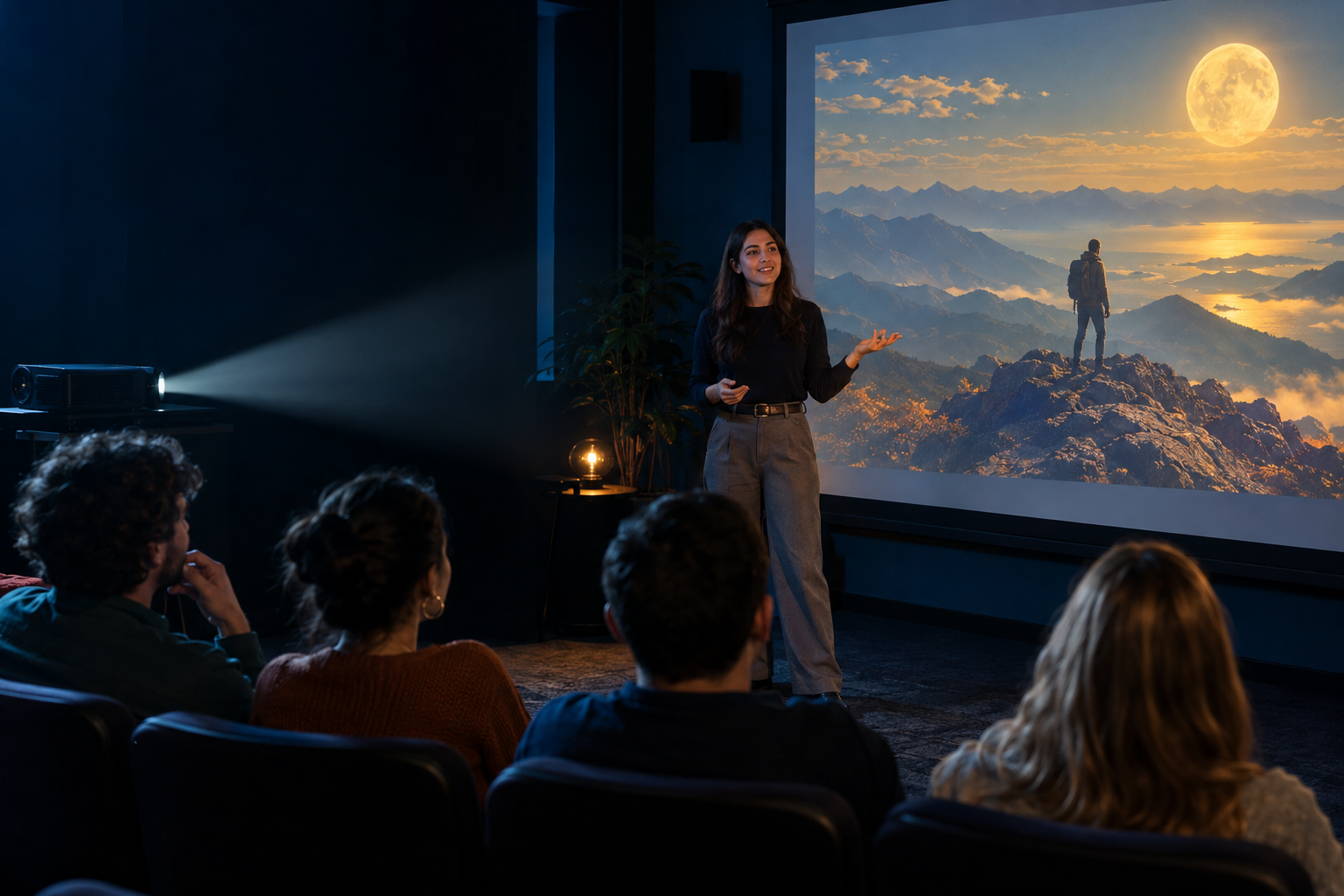
Choose a real film you enjoyed. Prepare a short review in class and present it live for at least 60 seconds (aim for 60–90 seconds). Your image supports your voice: it must not contain words, captions, logos or a written explanation.
Name the film and its genre. Explain when you watched it or how many times you have seen it.
“I’ve seen… twice. I watched it again last month.”
Introduce the setting, a main character and the central problem. Keep the ending a surprise.
“The story follows… who wants to…”
Explain two reasons you enjoyed it. Refer to the acting, a scene, the plot or the soundtrack.
“The performance is convincing because…”
Use at least one phrasal verb and one idiom meaningfully during the review. Finish by identifying who would enjoy the film.
“The soundtrack stands out.”
“The supporting actor steals the show.”
Both expressions are mandatory. Saying their names in a list is not enough: use them in meaningful sentences. Selecting them in the form helps you plan; the teacher checks their actual use during the presentation.
Represent an important idea, character relationship or scene without explaining the ending. A conventional film poster with a written title does not meet this task.
“Create a cinematic image inspired by [film]. Show [subjects and action] in [setting]. Communicate [emotion or theme] through [colors, lighting and composition]. Include [meaningful visual details]. Landscape composition suitable for classroom projection. No text, letters, captions, logos, subtitles or watermarks.”
Adapt the description to your film. Save the description in the submission form. Inspect the result: if the AI adds text, revise the image before uploading it.
JPG, PNG or WebP; maximum 8 MB. Use a clear image at least 320 × 240 pixels; landscape images around 1600 × 900 work well for projection.
Each criterion is rated from 0 to 5; each mark is the average of its criteria. These are classroom activity marks saved in this festival, with no automatic change to the course average.
Sign in to submit your image or open your teacher gallery.
Choose a class to see its student image cards. Select an image to project it, or choose Evaluate to save the two marks.
The image, title, description and evaluation are stored with your signed-in identity. Your entry is visible to you, the teacher who created the festival class and authorized administrators. The teacher projects it during class.